
Learn how to turn
Google Maps into focused outreach
Not sure where to start? These step-by-step guides show you exactly how to run your first offer-aware search, read the signals, and turn local business records into focused outreach.
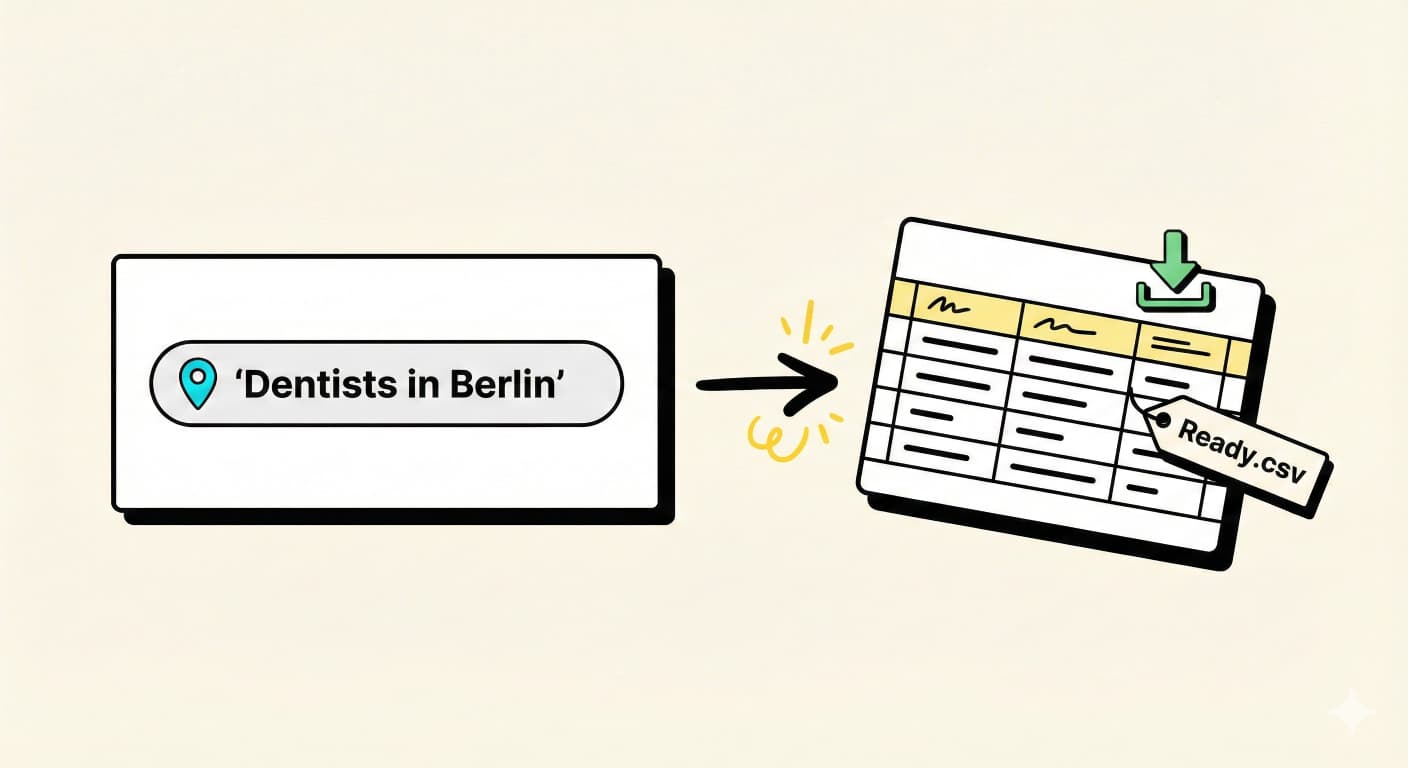
From your offer to a clean opportunity list
This guide walks you through your first search: describe what you sell, choose a local market, and export businesses with visible reasons your outreach can reference.
- Start with the offer. Write the service you want to sell in plain language: "websites for roofers", "review management for dentists", or "AI receptionist for clinics".
- Pick one niche and location. Choose a business category and a city or metro area. Start narrow enough that you can review the first batch by hand.
- Run your first search. In the dashboard, type the niche and location, keep your offer attached, and hit search. LeadScraper turns the Maps results into structured local opportunities.
- Scan the signals. Look for reasons that match your offer, such as no website listed, low review count, missing email, or phone-heavy booking.
- Export the campaign pack. Once the list looks useful, export the businesses, contact fields, opportunity score, reasons, and suggested opener.
- Save the winner. If the offer plus niche works, save it or schedule it so you can repeat the same search in nearby cities.
Goal of this guide: get your first opportunity list in front of you, with the reason each business is worth a closer look.
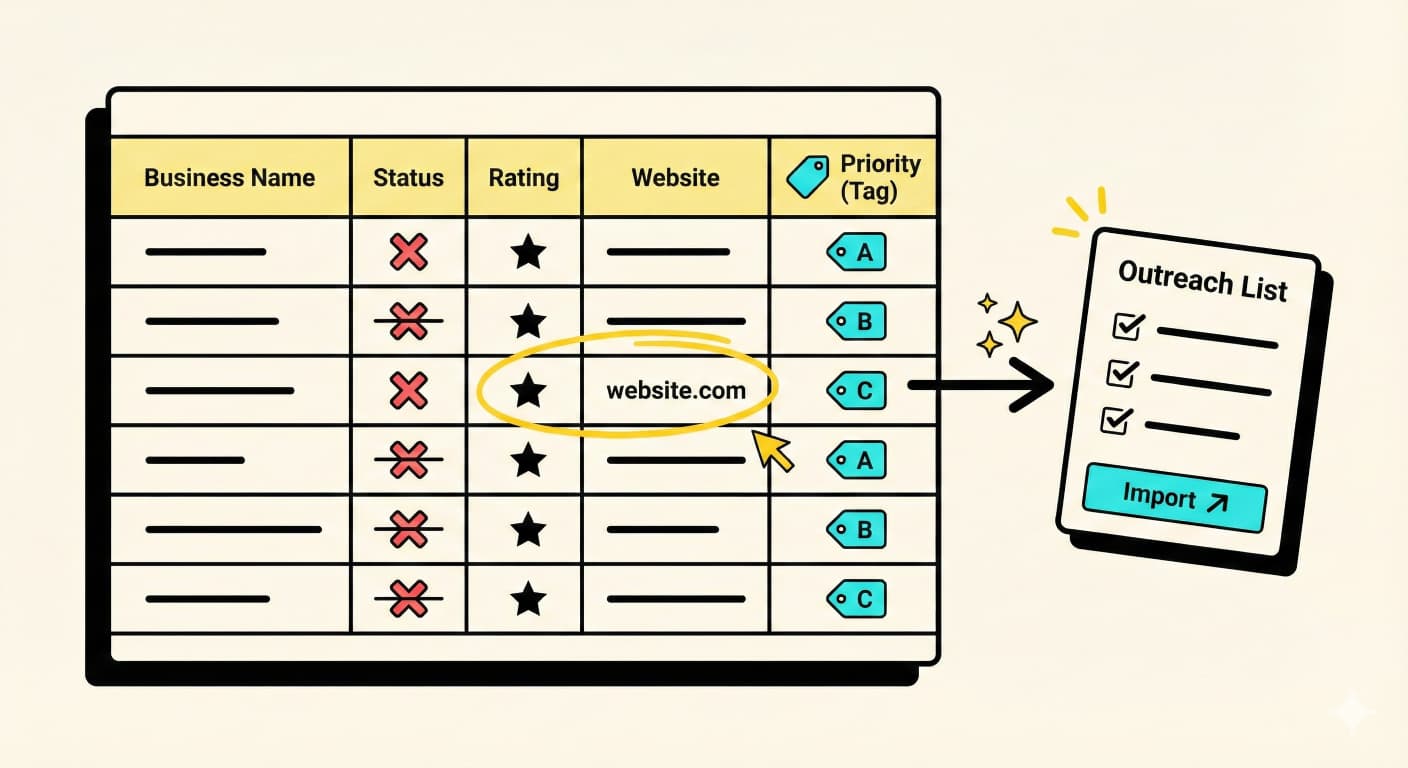
Qualify signals and prepare outreach
A list is only valuable if your team can explain why each account fits. This guide shows how to review opportunity reasons, keep the best prospects, and prepare outreach without turning the CSV into busywork.
- Open the export in your workspace. Google Sheets, Excel, Notion, or your CRM all work. Keep the opportunity score, reasons, and opener columns visible.
- Remove obvious bad fits. Filter out closed businesses, chains you do not sell to, and categories that do not match your offer.
- Check the reason before the contact field. A phone number is useful, but the visible reason is what makes the outreach specific.
- Sort by highest opportunity. Start with the businesses where the score, public profile, and suggested opener all point to the same problem.
- Create a small outreach batch. Keep only the prospects you can personalize this week. A focused batch beats a large list nobody reviews.
- Personalize before sending. Use the suggested opener as a starting point, then check the business profile or website before contacting them.
The goal here is signal over volume. A short list with clear reasons is easier to use than a giant export with no context.

Turn local signals into monthly retainer conversations
If you run an agency or freelance service, local business profiles can show public gaps your offer can help with. Here is a simple playbook you can repeat across one niche and city at a time.
- Pick a service and one niche. Example: "Google Ads for dentists" or "web design for local gyms". The tighter the combo, the easier the pitch.
- Run one city, then expand. Start with one market, review the signals, then repeat the same offer and niche in nearby cities.
- Prioritize visible fit. Look for businesses where the public signal clearly connects to your offer. These are your A-leads.
- Build a very short offer. One paragraph that explains what you do, the outcome, and a simple next step ("Reply YES and I’ll send 3 ideas"). No long sales pages.
- Reach out in small daily batches. 10-20 businesses per day is enough. Adjust your message using details from their Google listing or website so it does not feel like spam.
- Turn learning into a repeatable campaign. Track which signals, niches, and openers get conversations. Use that feedback to improve the next saved search instead of starting over.
You do not need a huge agency to make this useful. With a few good searches and consistent outreach, this can become a repeatable local-opportunity workflow for B2B teams.